How to make a TikTok slideshow, step by step

Written by The AppSpark team
Updated 6 min read
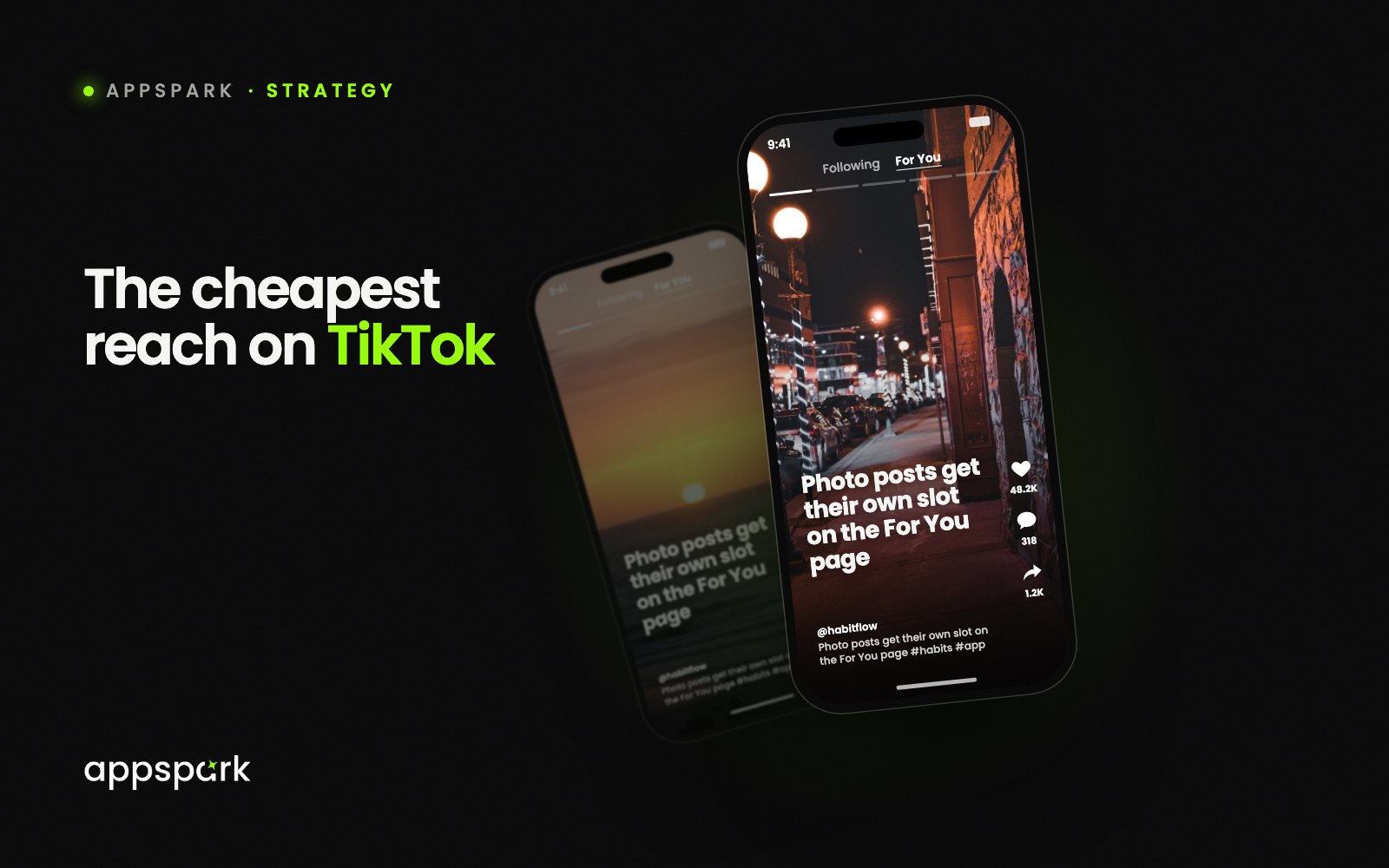
A TikTok slideshow is a photo post: a set of images people swipe through, with text on each one and a sound underneath. It is the easiest format on the app to make, and one of the most under-used. Here is the whole process, start to finish.
Size the slides for the app
Make every image 1080 by 1920 pixels, portrait. TikTok crops anything else, and cropping is how text ends up cut off. Keep the important words inside the middle two-thirds of the frame: the right edge is covered by the like and comment buttons, and the bottom by the caption and sound.
Write the hook first
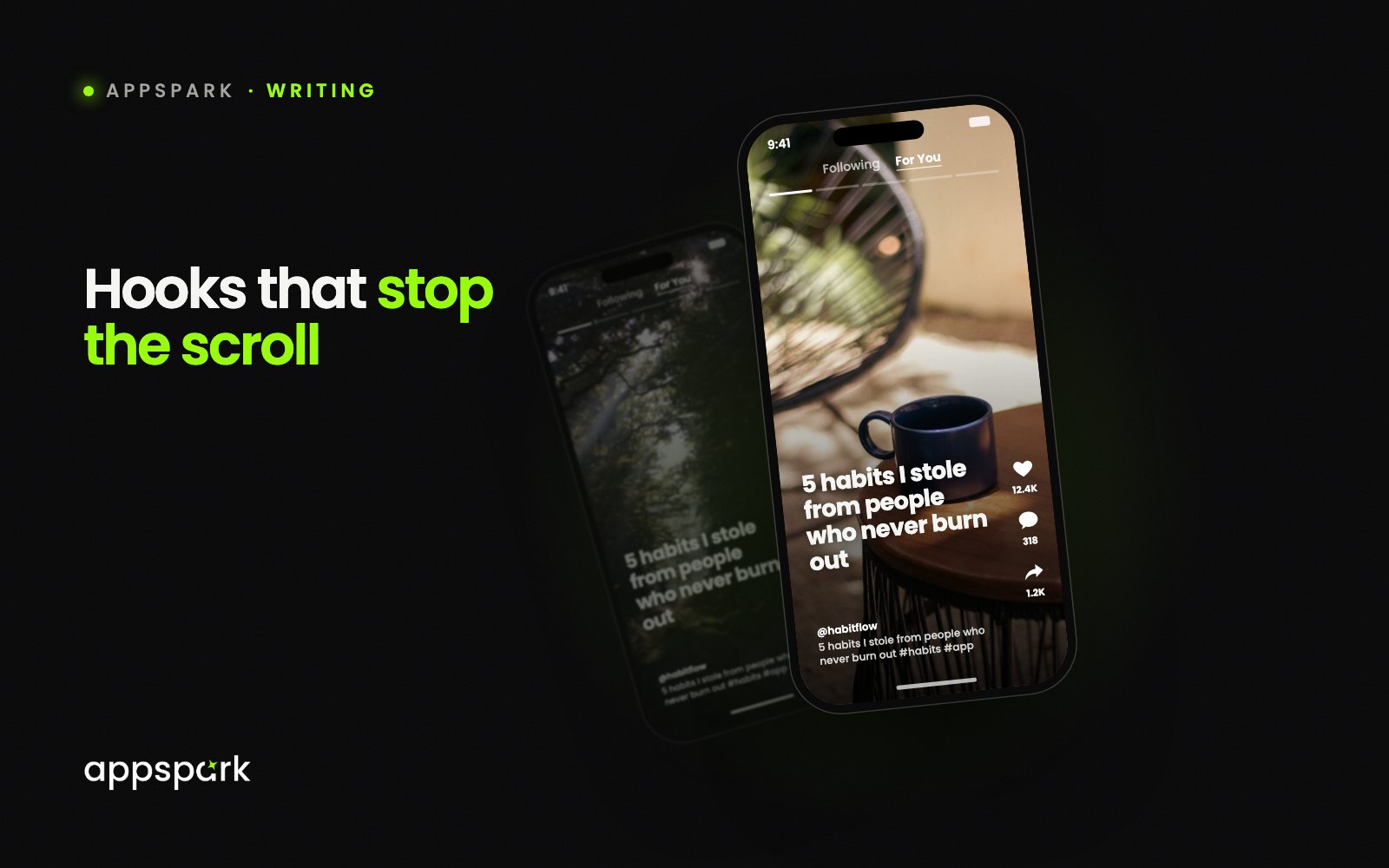
Slide one is the only slide most people will see, so write it before anything else. Under eight words, a statement rather than a question, and a promise the last slide pays off. If the hook does not earn a swipe, nothing else matters.
Keep to one idea per slide
Five to eight slides is the sweet spot. Each one carries a single line or a single thought, big enough to read at a glance. A slide that needs to be studied is a slide that gets skipped.
Add the sound and the caption
Pick a trending sound from the Photo Mode picker, then write a caption that adds something the slides did not say. Two or three hashtags that describe the topic beat ten generic ones. Set the post to auto-advance if you want it to play like a video, or leave it as a manual swipe for list-style content.
Post, then watch the swipe-through
Look at how far people got. If most drop after slide two, the hook promised more than slide two delivered. If they reach the end but nobody taps the link, the call to action is the problem. Fix one thing, post again tomorrow.
The whole format fits in ten minutes a day once the shape is set. That is the point of it.
Written by the team behind AppSpark, the tool that turns an app link into TikTok slideshows. The advice above stands on its own, whatever you use to make your posts.